How to change course format?
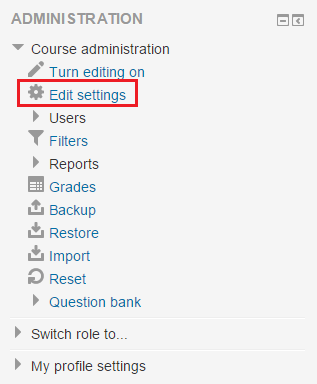
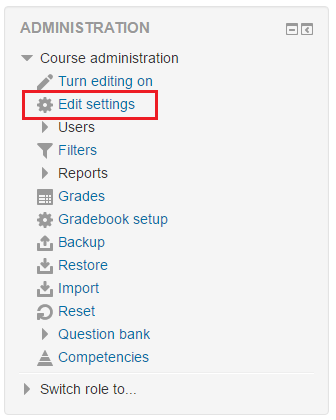
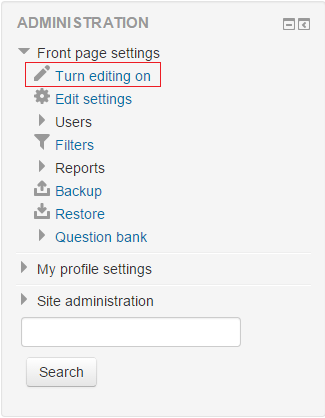
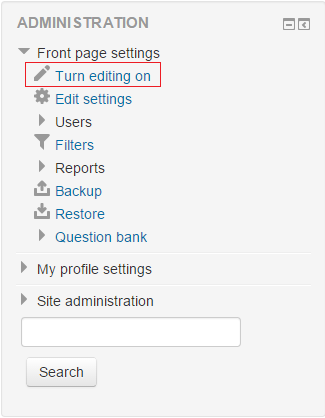
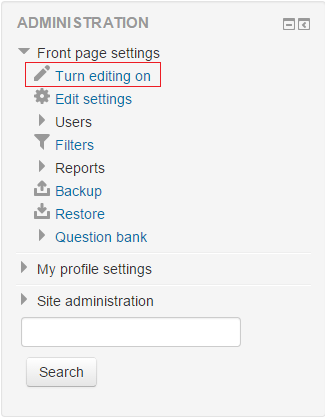
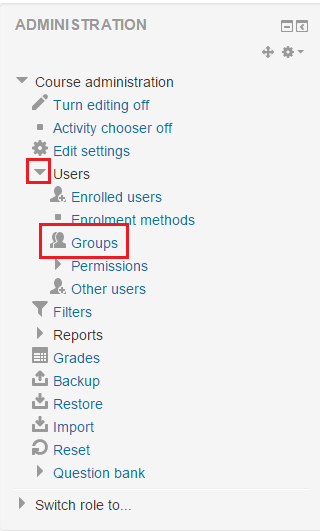
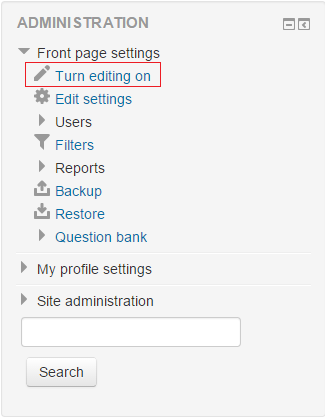
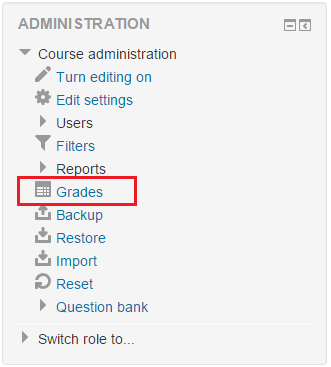
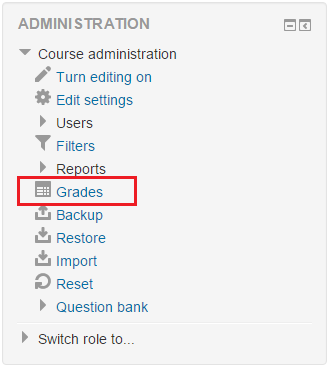
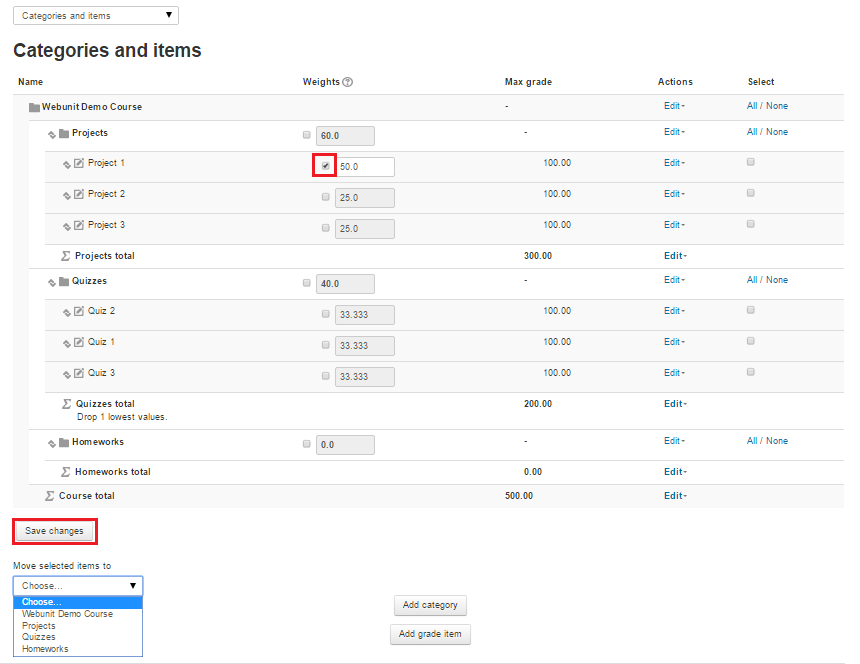
- In order to change a course’s format (eg. from Weekly to Topic-based), “Edit settings” button should be clicked in the administration panel after logging into the Moodle system (Figure 1). Administration panel is located at the left bottom corner of the page.
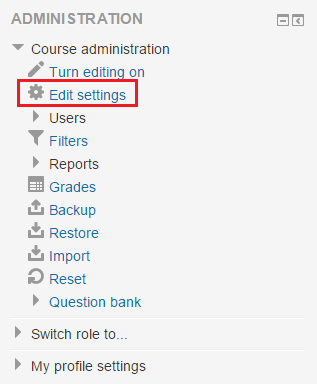
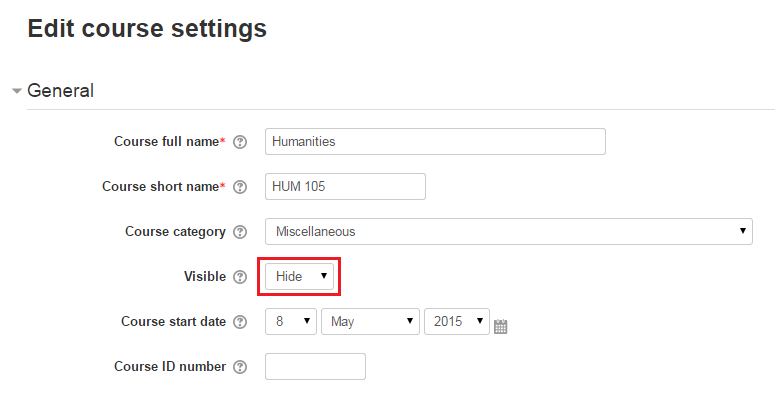
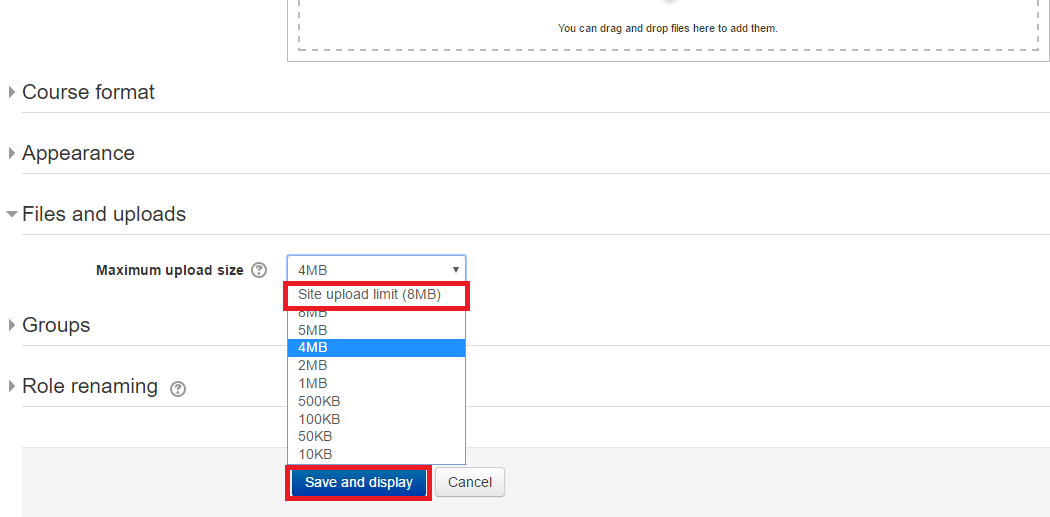
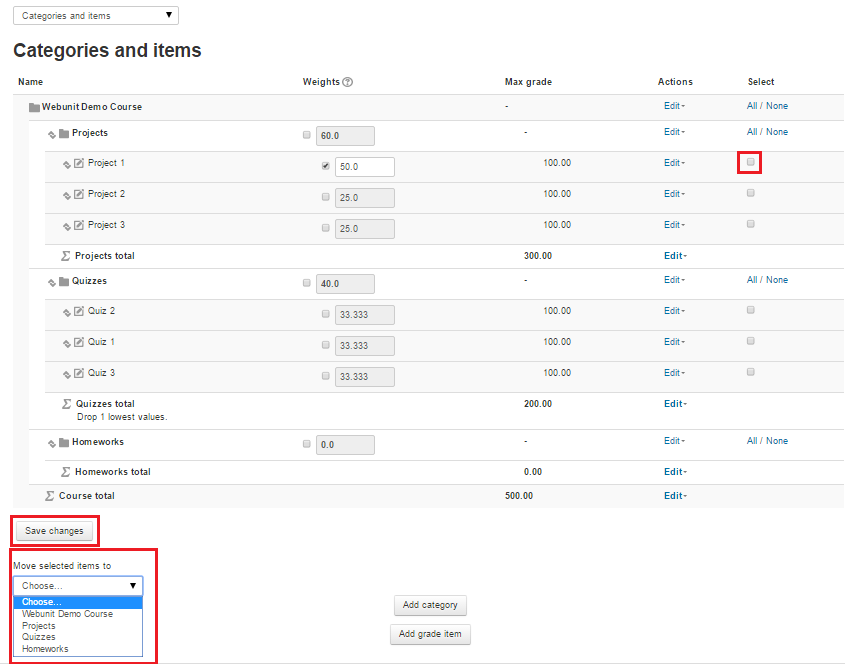
Figure 1 - Then, course format can be changed from “Course format” section of “Edit course settings” page (Figure 2).
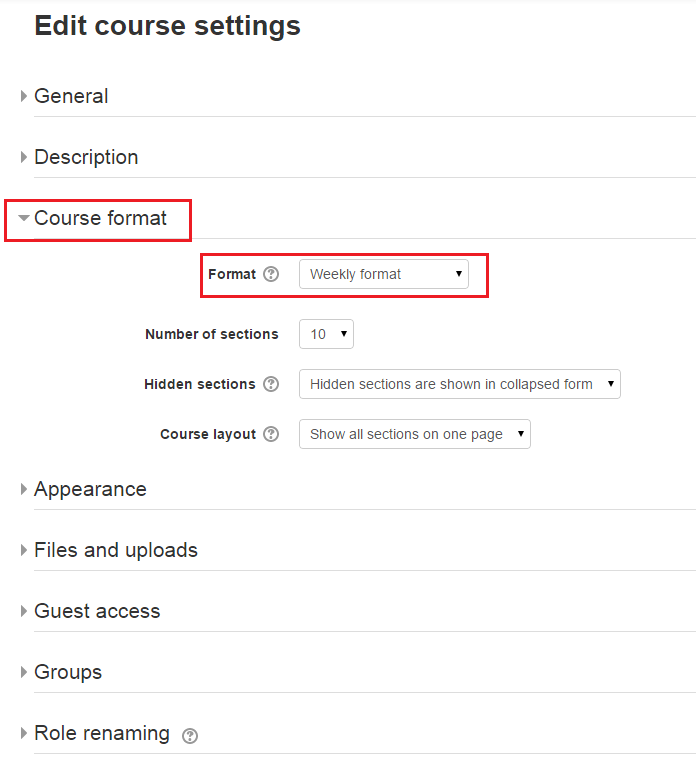
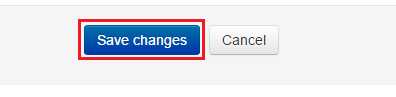
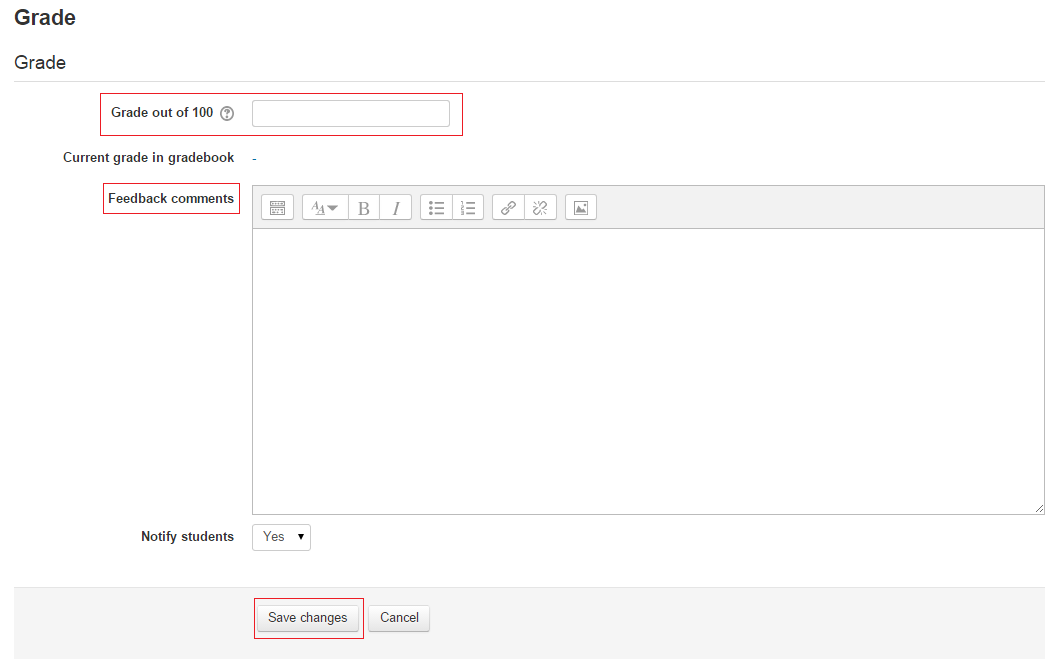
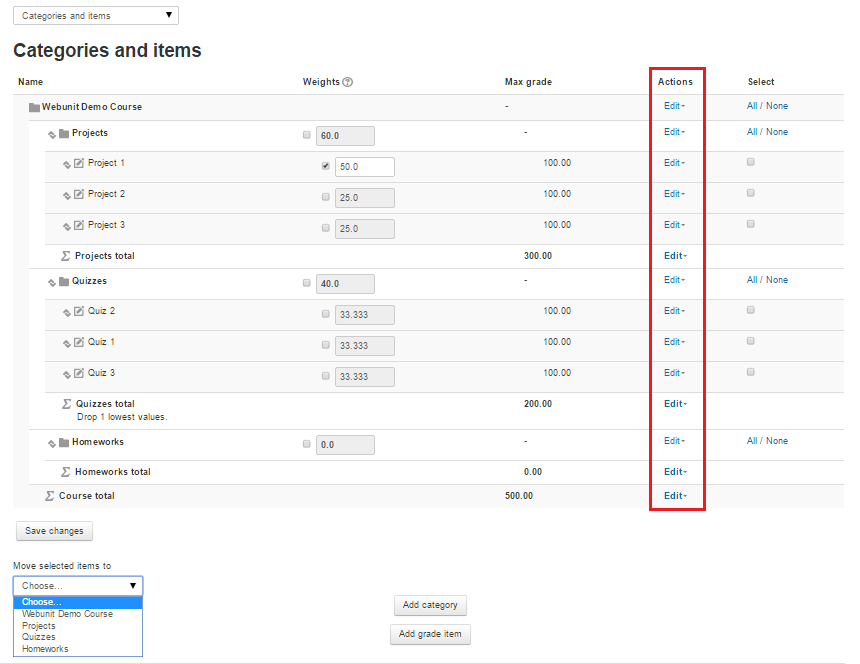
Figure 2 - After the desired format is selected, “Save changes” button which is located at the bottom of the page should be clicked (Figure 3).
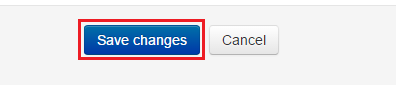
Figure 3